Writing
Write kanji stroke by stroke
A study app that makes you draw kanji with your finger, stroke by stroke and in the right order. It shows you what they are made of, and warns you when you are mixing up two that look alike.


 Next-stroke hint
Video
The app, in 92 seconds
The video loads from YouTube when you tap it.
Three ways
Three ways to learn, side by side
Use them together or on their own.
- Exerciseswith handwriting
- Flashcardsto review at your own pace
- Podcastto listen without looking
In podcast mode, the vocabulary plays in Japanese and in your language, with no need to look at the screen: in the car, at the gym or out for a walk. It keeps playing with the screen locked.
Exercises
Six exercises, one single path
字 is written in six strokes, and every kanji goes through six exercises: from seeing it for the first time to writing it from memory.
- IntroductionYou write it stroke by stroke, with the hint in front of you.
- Match kanjiYou match each kanji with its meaning or its reading.
- MeaningYou pick what it means from several options.
- ReadingYou hear it and pick how it is read.
- VocabularyYou recognise it inside real words.
- WritingYou write it from memory, on its own or inside a word.
The mind remembers
what the hand writes.
What my Japanese teacher repeats, class after class.
Feedback
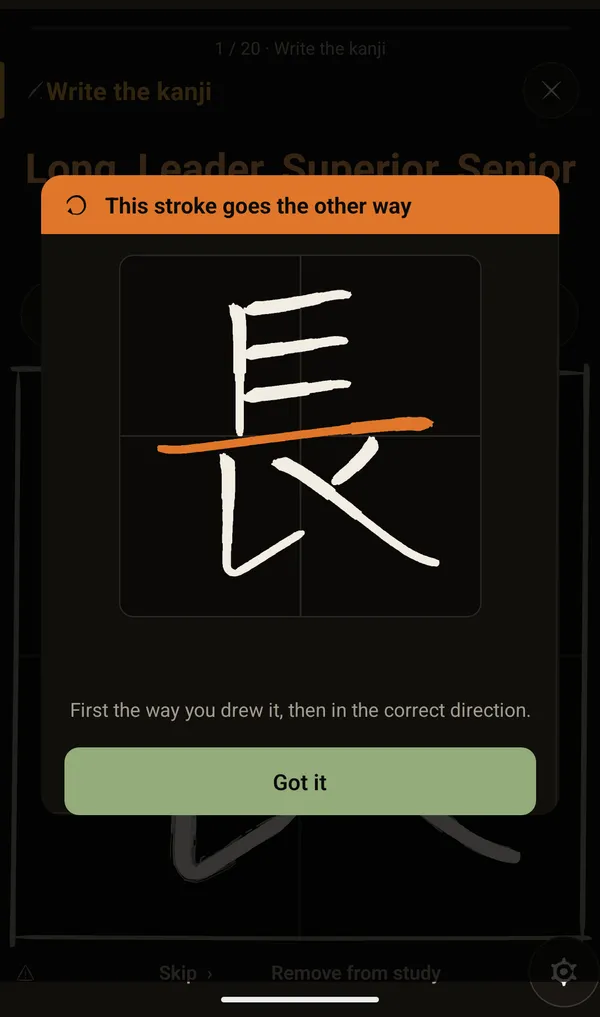
A stroke backwards? It notices.
- Stroke order
- Stroke direction
- Look-alike kanji
- Misplaced radicals
- Extra strokes
- More leeway for a kanji that gives you trouble
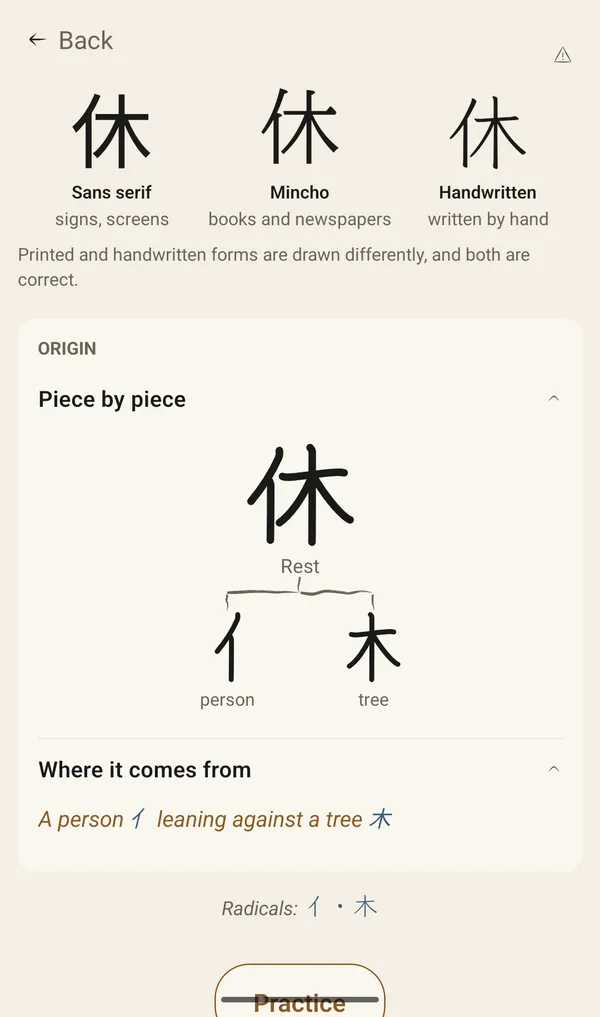
Origins
Learn where each kanji comes from
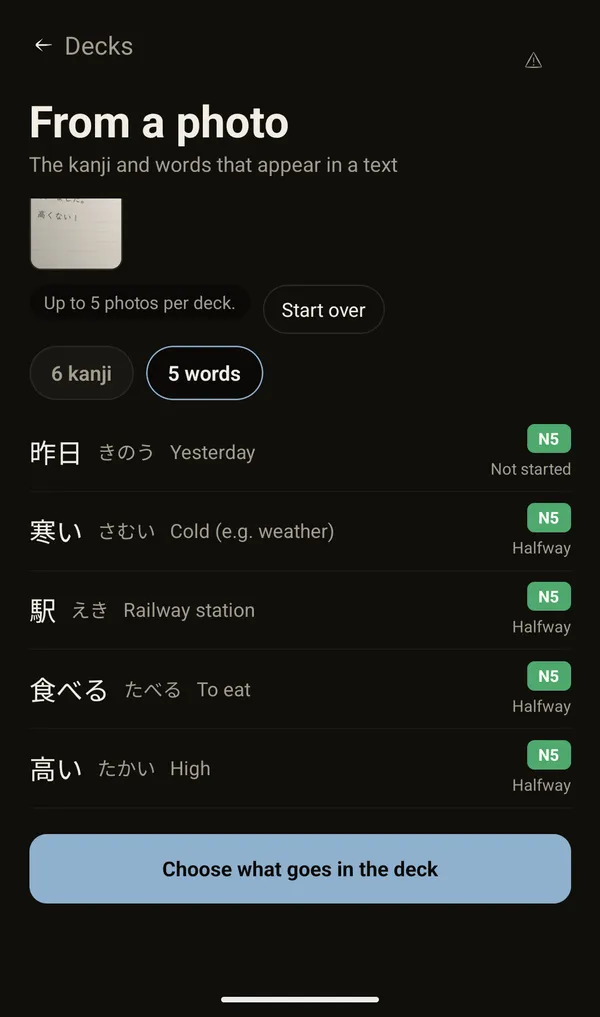
Scanner
Scan notes, books, anything
Get the kanji and the words in dictionary form, even when they are conjugated.
- 寒かった→寒い
- 食べました→食べる
- 高くない→高い

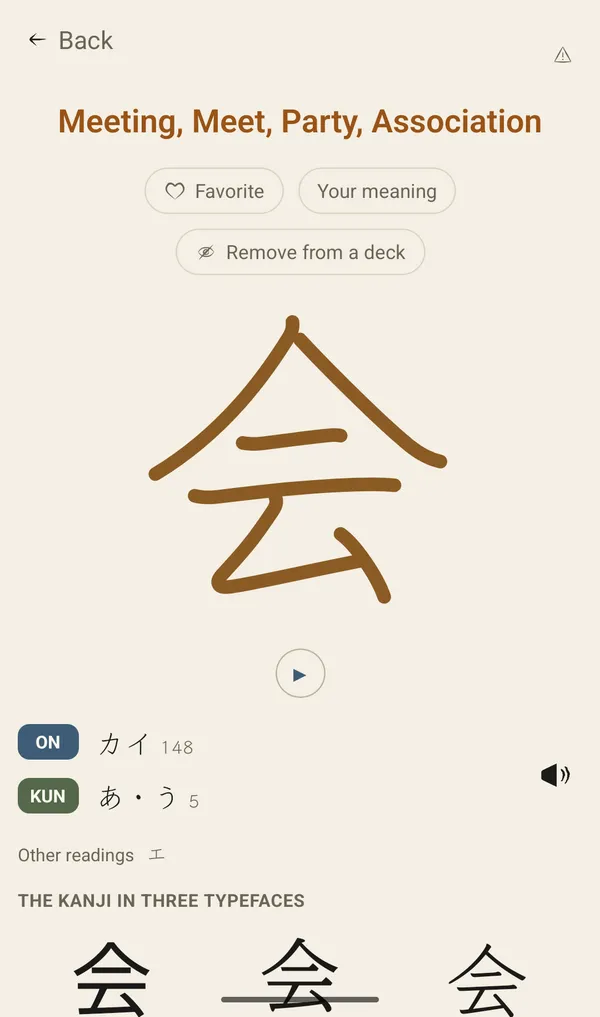
Vocabulary
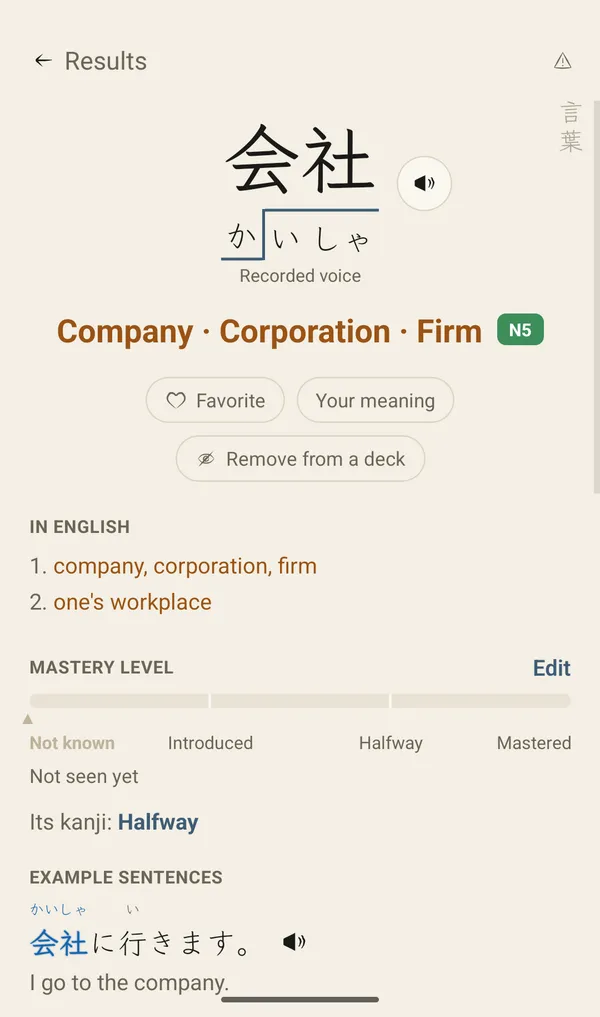
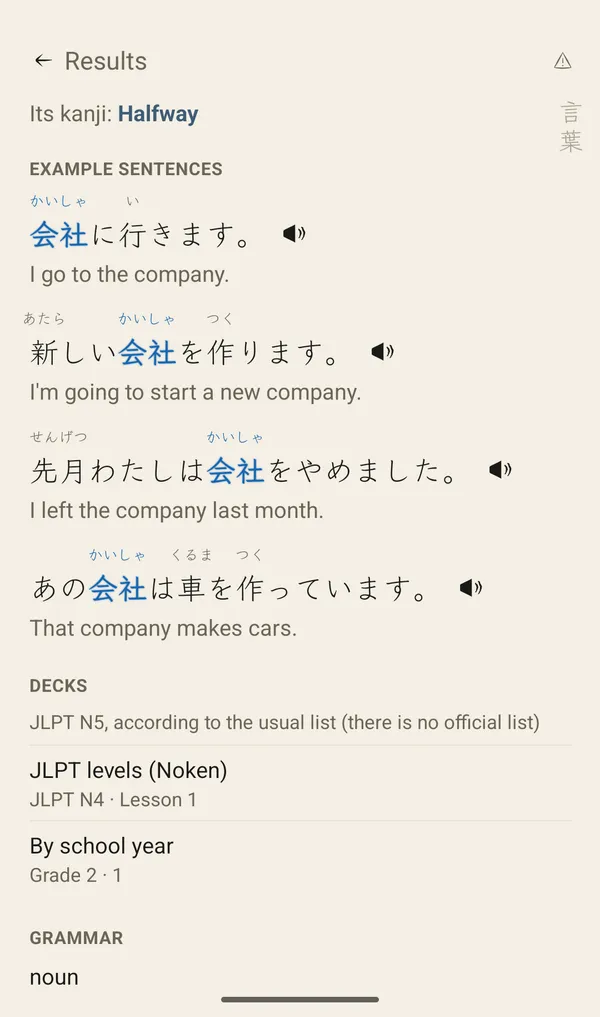
From kanji to words, to sentences
Almost 20,000 words and over 19,000 example sentences.
Review
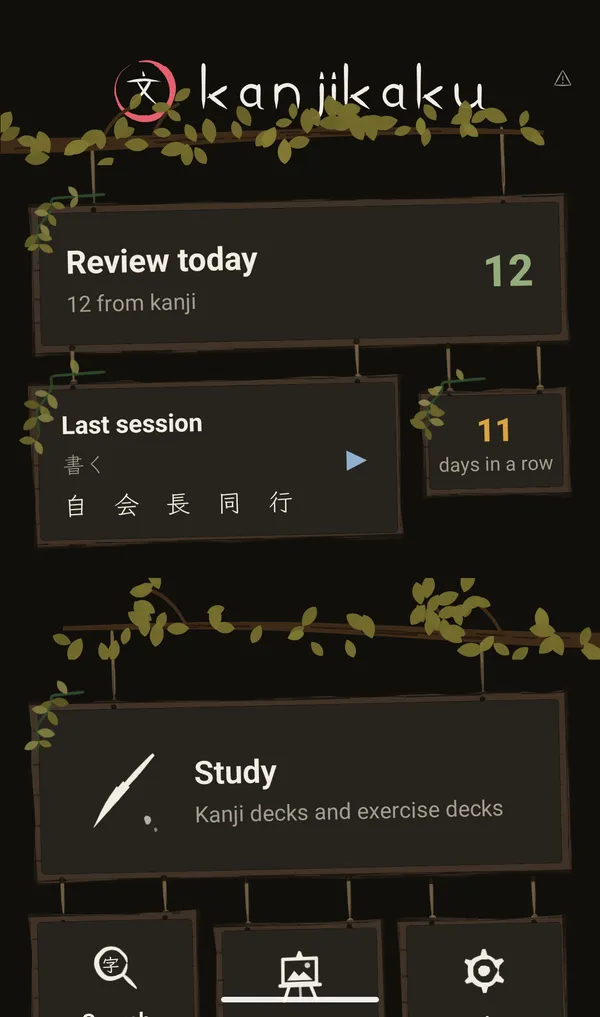
Review right before you forget
Spaced repetition brings each card back at the right time.
Library
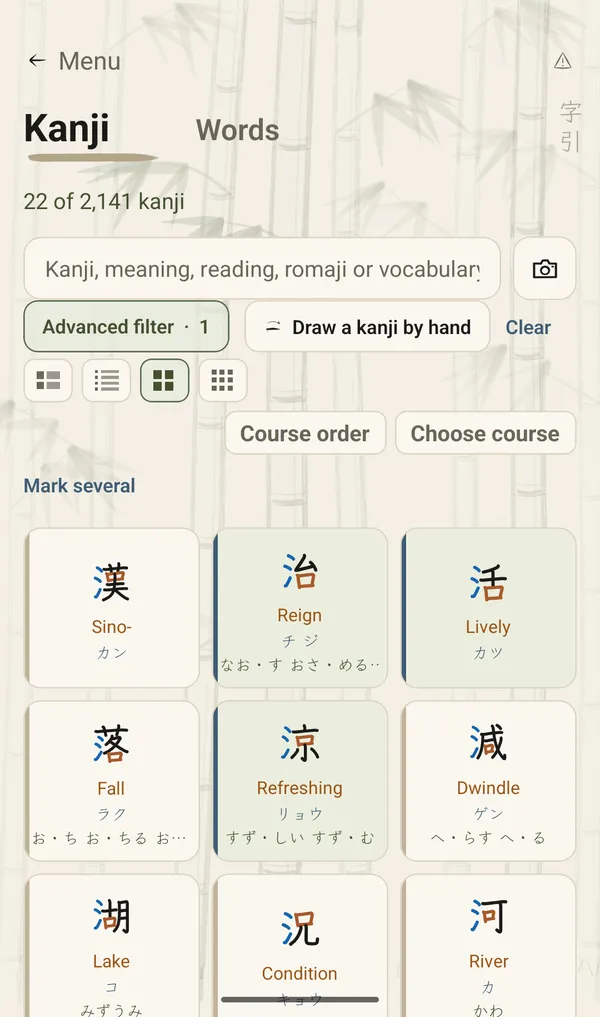
2,141 kanji, day or night
With their JLPT level, radicals and readings.
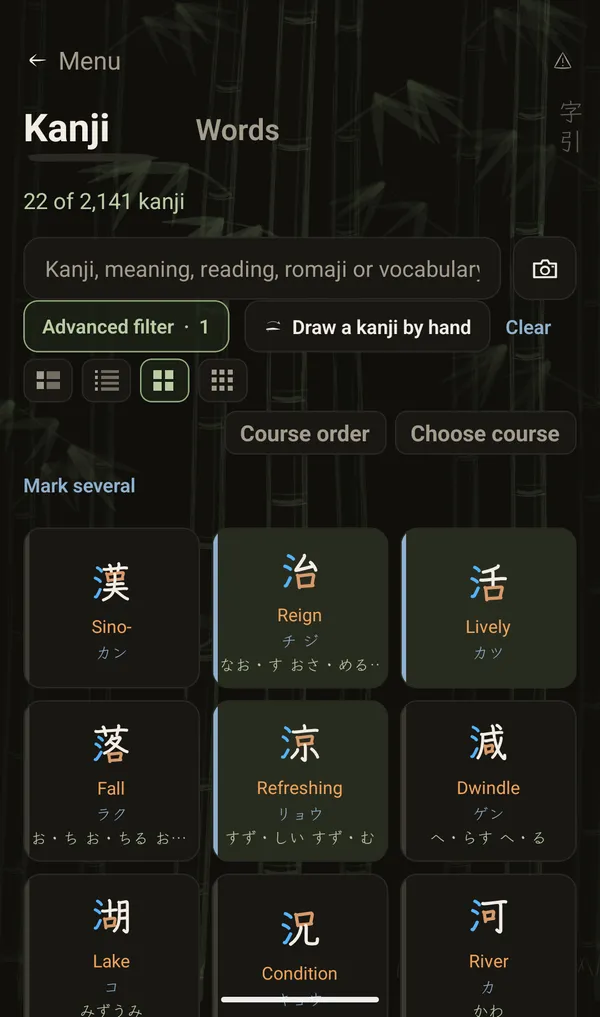
Practice
Reading, meaning and writing
Three cards per kanji, each at its own pace.
- Reading
- Meaning
- Writing
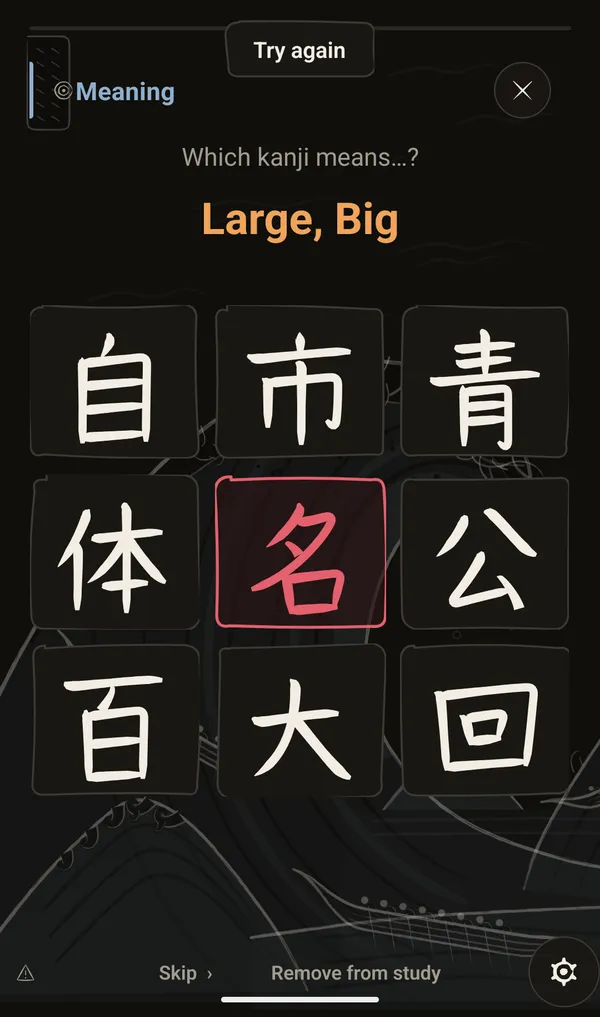
Languages
Learn Japanese in your language
Twelve languages, one app.
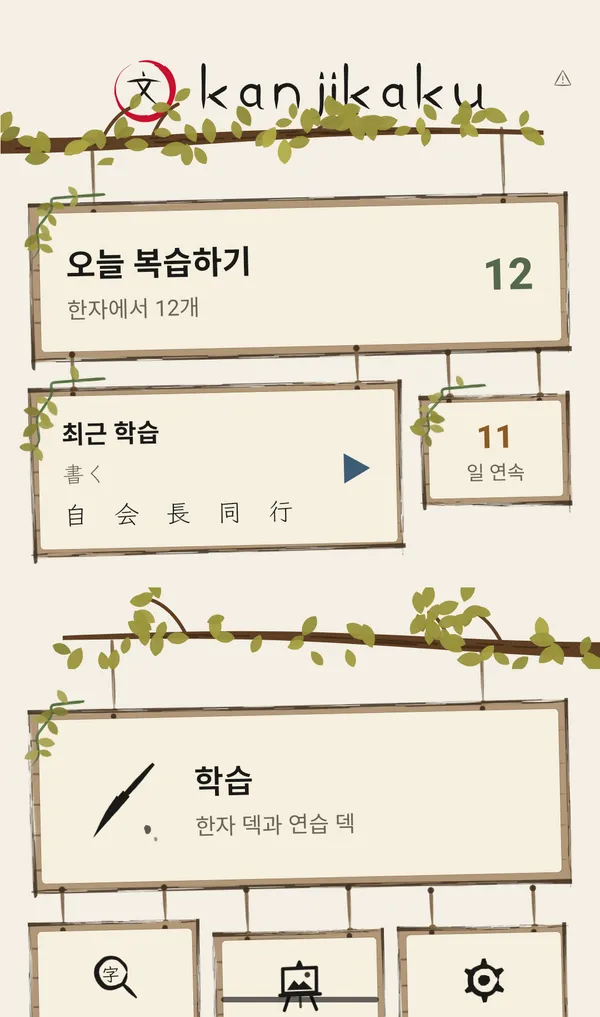
Cloud backup
Your progress, kept safe
If you delete the app, you get your progress back when you install it again.
- iPhonein your iCloud
- Androidin your Google backup
iCloud or Google backup has to be turned on in the phone. On Android, the system makes the backup once a day at most. The backup goes to your account, not to a server of ours.

Available now
Download it for free
The first 50 kanji are free, with no time limit. A one-time payment unlocks the remaining kanji and vocabulary, and the example sentences.